Datamart AI: free AI models for chat, your apps and your desktop
See it in action
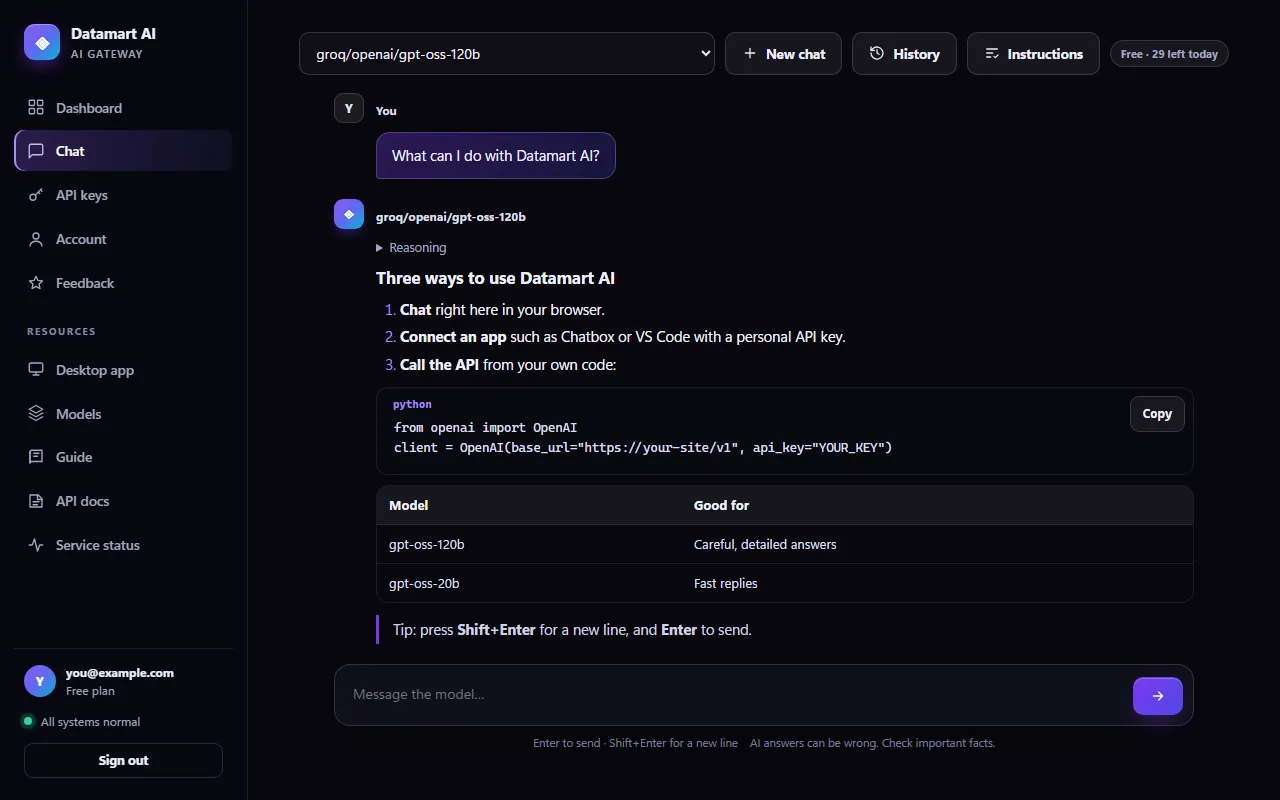
This is the real chat
Streamed answers, code you can copy, tables and the model's reasoning, in a clean window that works on any device.
Works with the tools you already use
One account, three ways to use it
Everything you need to work with AI
Start in the browser, connect your favourite apps, or let the desktop app help you live. Your plan and your messages follow you everywhere.
Chat in your browser
Streamed answers with Markdown, code blocks you can copy, the model's reasoning, custom instructions and a private history kept only in your browser.
Open the chat →Developer API
OpenAI- and Ollama-compatible endpoints. Create personal API keys and connect Chatbox, Jan, VS Code, the OpenAI SDKs or your own code.
Read the API docs →Interview Support desktop app
A Windows app that transcribes your computer's audio on your PC and drafts a strong answer, with code, when you click Generate.
See the desktop app →Who it's for
Made for people like you
Students, developers, job seekers and busy professionals use the same account in different ways. Find yours.

Learners and everyday users
Ask questions, get explanations step by step, draft emails and summaries, in plain language.
Start chatting →
Developers and builders
Point your OpenAI or Ollama code at one base URL and build with free models: scripts, bots and tools.
Read the API docs →
Job seekers
Practise and prepare with the desktop app: live transcript, your résumé as context and clear answers with code.
See the desktop app →
Professionals on the go
The chat works just as well on your phone: quick answers between meetings, history kept on your device.
Create your account →Built with care
Fast, private and genuinely free
No tricks: every model on this site is a free model, and the site is built to keep your data to the minimum.
Only free models
Every model comes free from Groq or OpenRouter. Paid models and paid tools are refused before a request ever leaves the server.
Streaming and reasoning
Answers appear as they are written. Fold out the model's reasoning whenever you want to see how it got there.
History on your device
Your 30 most recent conversations stay in your browser, never on our servers. Reopen, continue or delete them any time.
Custom instructions
Tell the model once how you like your answers (tone, language, format) and it follows them in every chat.
Personal API keys
Up to ten keys per account, one for each app. Keys are stored only as secure hashes, and you can delete one in a click.
Security built in
Email confirmation, locks after repeated wrong passwords, sign-out of your other devices and security alerts by email.
For developers
A drop-in replacement for the OpenAI API
Point any OpenAI-compatible client at Datamart AI and keep the code you already have. Ollama apps work too.
- Use the official OpenAI SDKs: change only the base URL and key
- Ollama-style
/api/chatand/api/generatefor Ollama apps - Streaming, system prompts and multi-turn conversations
- Clear, plain errors when a free model is busy, never a surprise bill
Desktop app · Windows
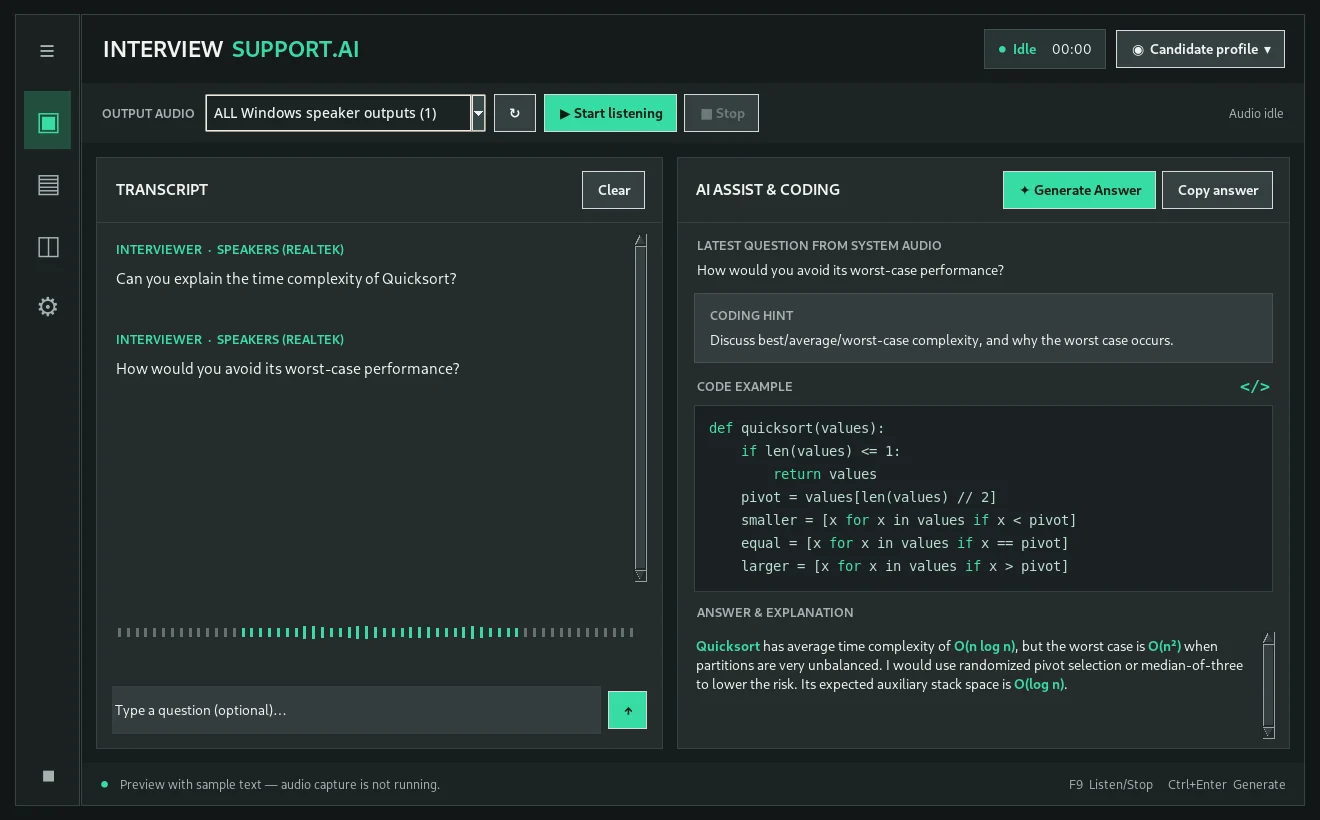
Interview Support AI, right on your desktop
Listens to your computer's speaker output, turns it into text on your own PC and, when you are ready, drafts an answer grounded in your résumé and the job description.
- Speech recognition runs locally; audio is never saved to a file
- Answers only when you click Generate Answer, never on its own
- Separate code viewer for technical questions
- Signs in with your Datamart AI account and plan
Get started in minutes
How it works
Create your free account
Sign up with your email address and confirm it with the 6-digit code we send you.
Pick a model
Choose from the free models of Groq and OpenRouter. GPT-OSS 120B is ready for you by default.
Chat or connect
Ask anything in the chat, or create an API key and connect your apps and scripts.
On every device
Your AI at your desk and in your pocket
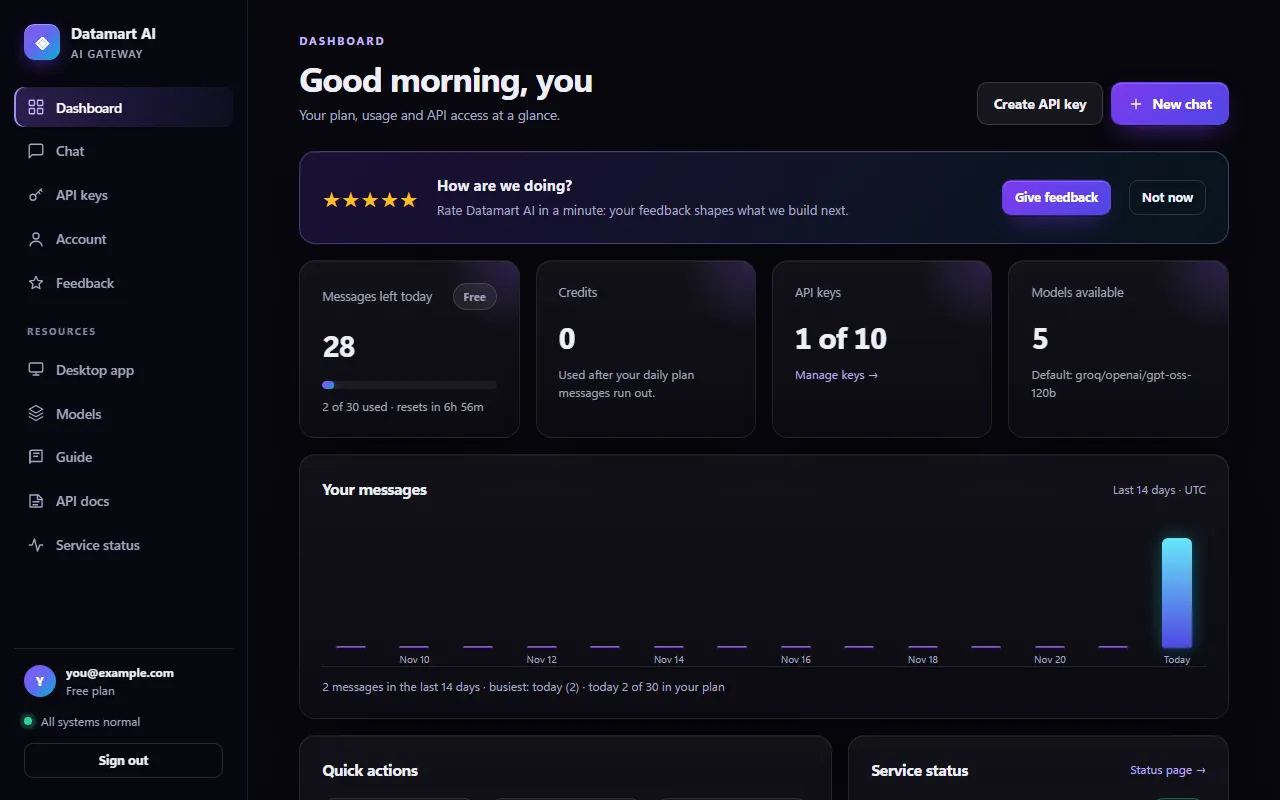
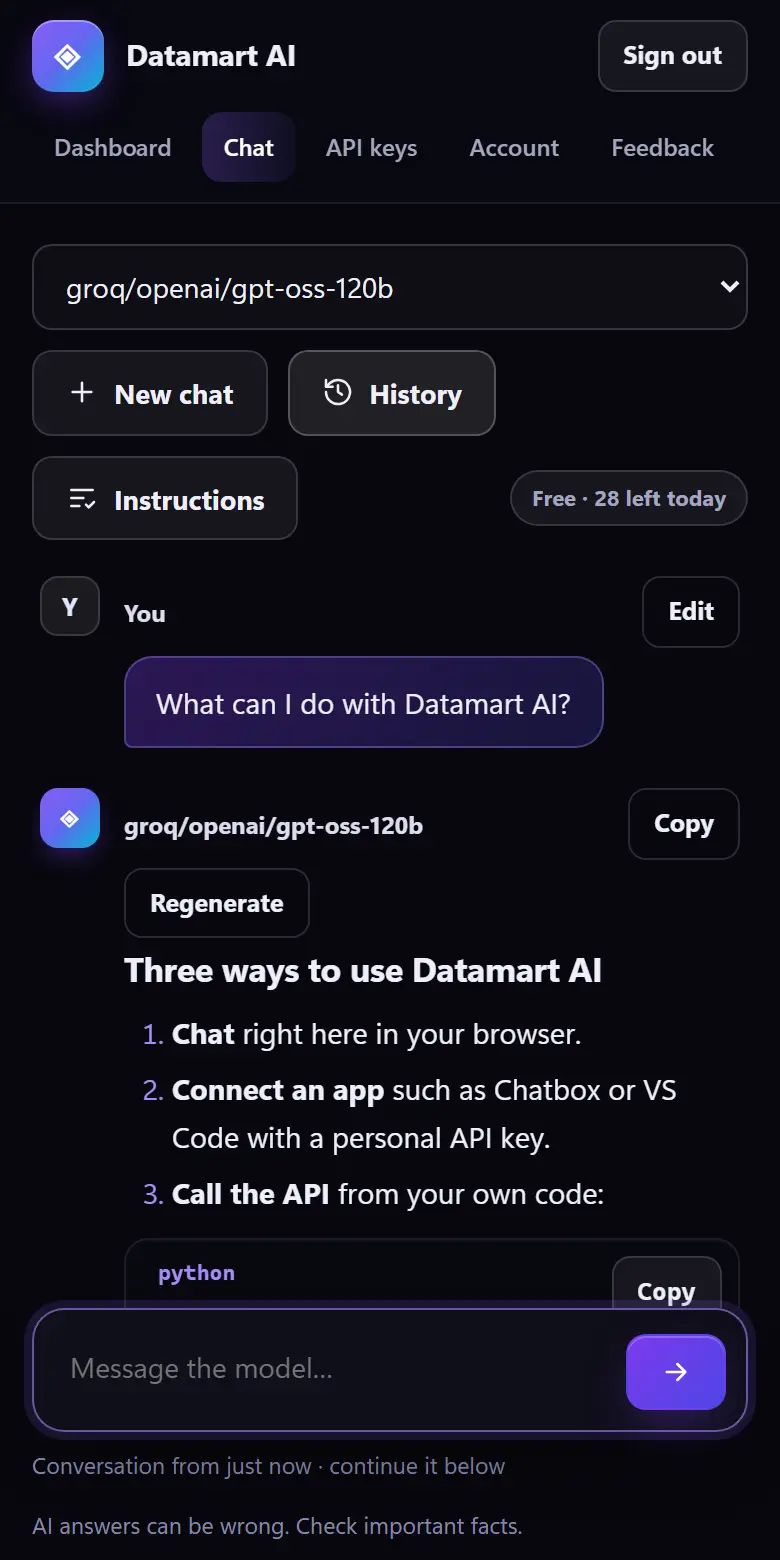
The same account, the same plan and the same models on your computer, your phone and the desktop app. These are real screens of Datamart AI.
Feedback
We would love to hear from you
Feedback from people with a Datamart AI account appears here, with their permission. Nothing here is invented.

Tell us what you think
Using Datamart AI? Your feedback shapes what we build next, and with your permission it can help others decide. It takes a minute.
Plans
Simple plans, free to start
Every plan uses the same free models. Plans differ only in how many messages you can send each day.
Free
Try every model and connect your first app.
Resets every day at 00:00 UTC
Create free accountPro
For daily work and your own tools.
Resets every day at 00:00 UTC
See how to upgradeQuestions
Good to know
Is it really free?
Yes. Every model on Datamart AI is a free model, and the Free plan gives you a number of messages every day at no cost. There is no credit card and nothing to pay.
Which apps can I connect?
Any app that talks to the OpenAI API or to Ollama: Chatbox, Jan, Msty, AnythingLLM, VS Code extensions, the OpenAI SDKs and your own code. Create a personal API key under API keys and use this site's address as the base URL.
Do you keep my conversations?
No. The site does not store what you ask or what the model answers. Your chat history is kept in your own browser only. We count how many messages you send each day to apply your plan.
What happens when I run out of messages?
Your messages come back every day at 00:00 UTC. If you have credits, they are used after the day's plan messages. For more, ask for credits or a bigger plan.
Start building with free AI today
Create your account in a minute. No credit card, no setup, just answers.